Back

Set a flight path for players to jump from.

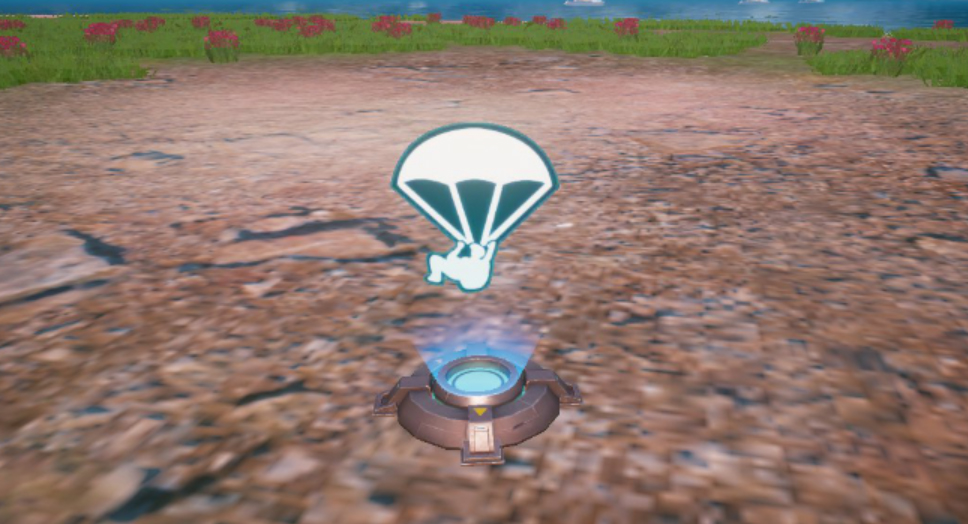
Place a Parachute Device to trigger a flight path for players to jump from. Flight times and jump-able intervals can be customized.

Parachute Device
Specific Function

Basic Parameter

Basic Parameter Available Options Description
Delay Time (Seconds) (0) - (2,000) When the match begins, the plane will take off after (0) seconds. It can also take off in the middle of a match.
Parachuting Players All Players All players must board the plane to jump.
Team (1) - (50) Designated team (1) will board the plane and jump.

Advanced Parameter

Advanced Parameter Available Options Description
Enable Upon Round Start Yes This device will automatically activate at the start of the round.
No Do not automatically activate the device when the round starts. Only activate when receiving an activation signal.
Start Parachute Interval (0.2) - (0.8) Players can start jumping after the plane has traveled (0.2) of its route.
Forced Parachute Interval (0.2) - (0.8) (Must be greater than the start parachute interval) Force the players to jump after the plane has traveled (0.2) of its route.
Flight Path Forecast Time Matchmaking Stage Show the route preview during matchmaking.
Preparation Stage Show the route preview during countdown.
Round Starts Show the route preview when the match starts.
None No route preview.